
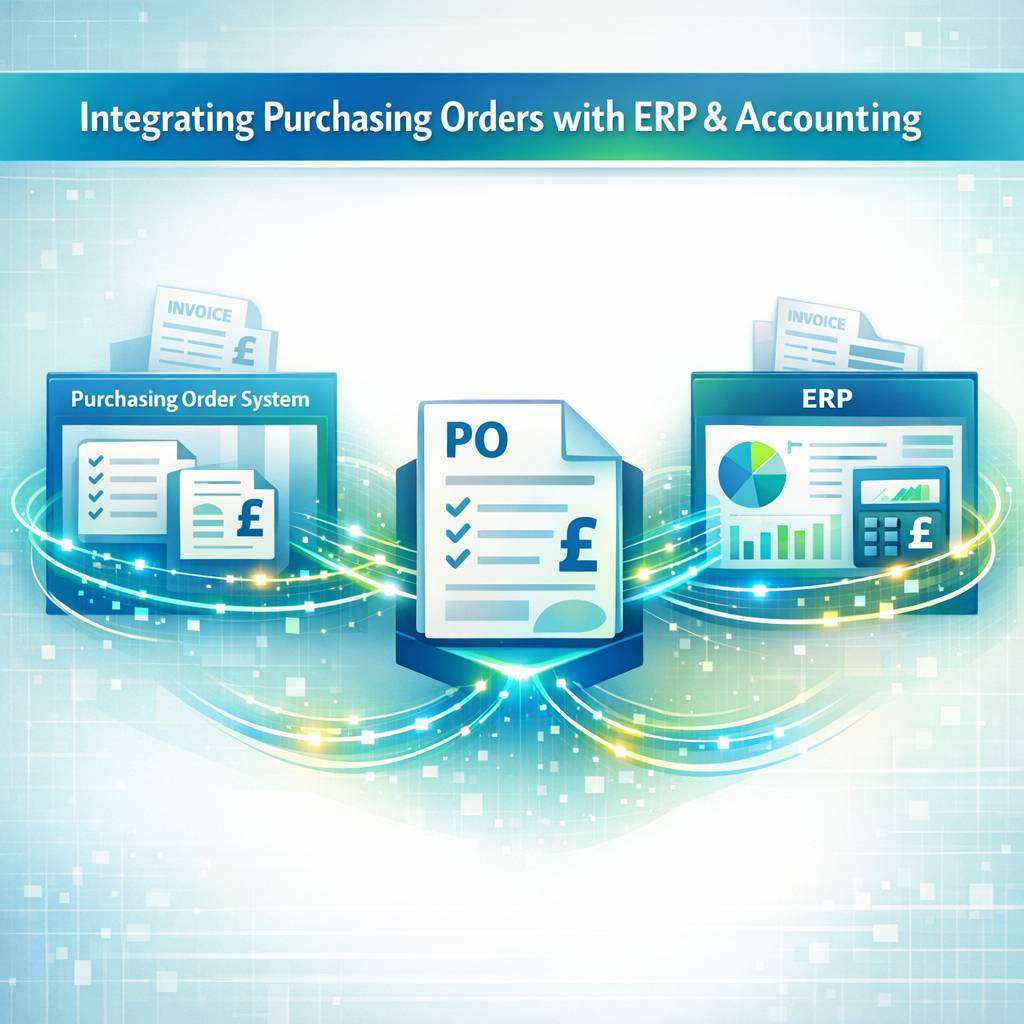
An integrated purchasing order system is essential for modern organisations seeking streamlined procurement, accurate financial reporting, and better vendor management. By connecting a po system with your ERP and accounting software, you can automate workflows, reduce manual data entry, and gain real-time visibility into spend and cash flow. This guide explains best practices, key considerations, and practical steps to achieve a seamless integration using purchase order management software and related tools.
Understanding the landscape: what to integrate
When evaluating a purchase order system (po system), it’s important to map the data touchpoints across ERP and accounting software. Typical integration points include:
- Purchase orders and acknowledgements: creation, revision, status updates, and release to suppliers.
- Receipts and matches: receiving goods, three-way matching (PO, receipt, invoice) to ensure accuracy.
- Invoices and payments: automated posting, approvals, and payment execution.
- Vendor master data: consistency of supplier records across systems.
- Financial dimension data: cost centres, departments, projects, and tax codes.
- Reporting and analytics: real-time spend, commitments, and working capital metrics.
Choosing software for purchase orders that supports robust APIs, webhooks, and pre-built connectors can dramatically reduce integration effort.
Key benefits of integration
- Improved control over spend with real-time PO visibility and automatic reconciliation.
- Reduced manual data entry and associated errors.
- Accelerated invoice-to-pay cycles through automated three-way matching.
- Consistent vendor data across procurement, ERP, and accounting modules.
- Enhanced reporting with unified data wherever the organisation buys and pays.
Assessing your integration requirements
Before implementation, conduct a requirements workshop with procurement, finance, and IT. Focus on:
- Data standardisation: ensure consistent field mappings for PO numbers, item codes, units of measure, tax, and currency.
- Versioning and change control: how amendments to POs are tracked across systems.
- Workflow alignment: approval hierarchies, budget checks, and exception handling.
- Security and access: roles, permissions, and audit trails.
- Scalability and performance: expected PO volumes and peak processing periods.
- Compliance and governance: control frameworks for procurement and financial reporting.
Selecting the right tools
When evaluating a po system or po system software, consider the following:
- Compatibility with your ERP: confirm supported integration methods (APIs, EDI, CSV imports/exports) and whether a middleware layer is required.
- Strength of accounting integration: seamless posting to the general ledger, automatic tax handling, and alignment with accounts payable.
- Ease of use for buyers and approvers: intuitive interfaces, mobile access, and notification capabilities.
- Vendor and supplier enablement: supplier portals or self-service that can feed into the system automatically.
- Support for UK requirements if you are in the UK: local tax rules, VAT handling, and reporting needs.
In the UK market, many organisations use a purchase order system uk variants or regional deployments that align with statutory requirements and local supplier networks.
Architectural patterns for integration
There are several common approaches:
- Point-to-point integration: direct connections between the po system, ERP, and accounting software. This can be fast to deploy for small environments but becomes harder to maintain as you scale.
- Middleware or iPaaS (integration platform as a service): a central hub that orchestrates data flow, transformations, and error handling. This is typically more scalable and easier to maintain.
- Embedded integration: procurement modules within ERP that offer native integration to accounting components. This minimises interfaces but can limit flexibility.
For most mid-size organisations, an iPaaS-based approach provides a robust balance of speed, resilience, and maintainability.
Data mapping and master data management
A successful integration hinges on accurate data mapping. Key considerations include:
- PO data: PO number, line items, quantities, unit price, delivery dates, and currency.
- Invoices: invoice number, date, line-item matching, tax codes, and payment terms.
- Receipts: receiving date, quantities accepted, and discrepancy handling.
- Vendors: supplier IDs, payment terms, and banking details.
- GL accounts: mapping to cost centres, departments, projects, and freight or tax accounts.
Establish a single source of truth for supplier master data, ideally in the ERP, with the po system and accounting software consuming from that source to avoid duplication and misalignment.
Workflow design and controls
Integrate procurement workflows with ERP and accounting processes to realise efficiency gains:
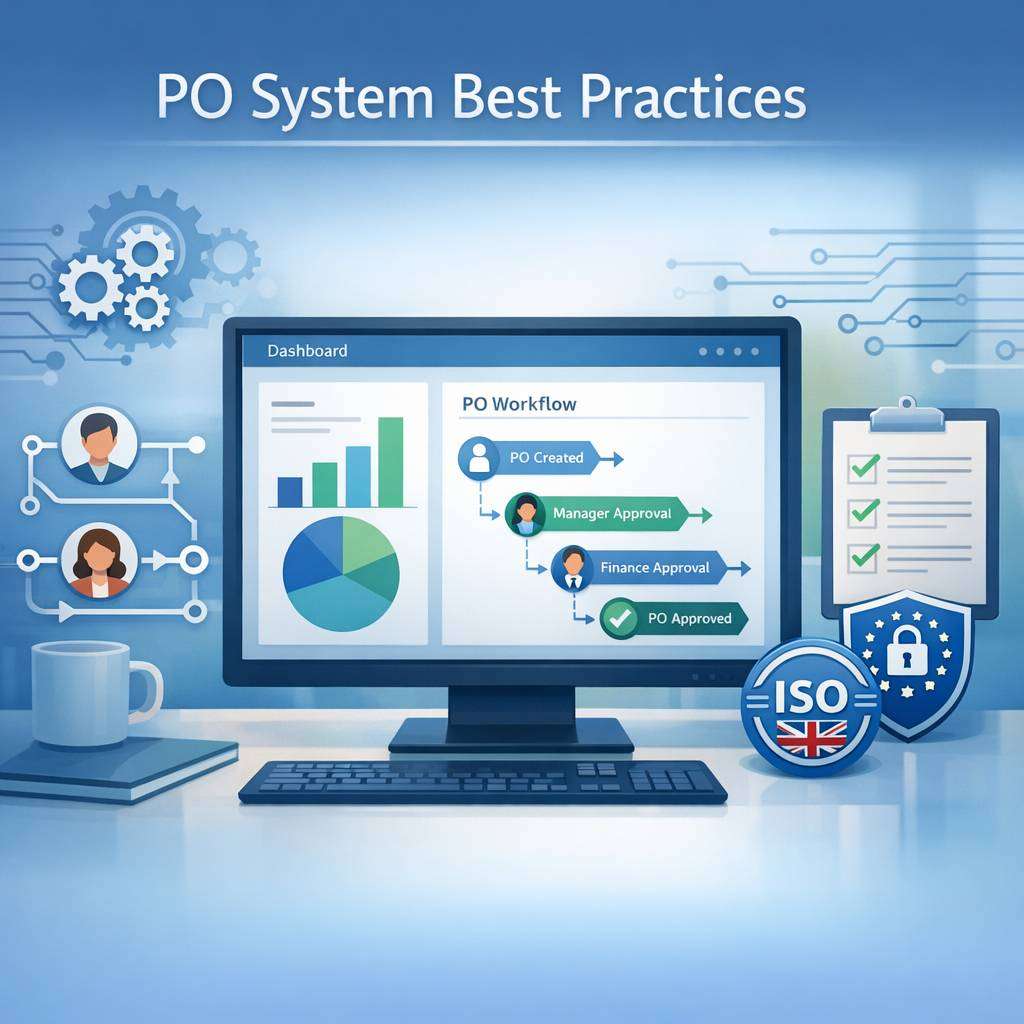
- Purchase requisition to PO: ensure a clear path from request to approved purchase orders, with budget checks tied to the ERP.
- PO issuance and supplier acknowledgement: automatic notifications and exceptions handling for price or lead-time changes.
- Goods receipt and invoice: align with the three-way match process; reject or escalate mismatches automatically.
- Approvals and audit trails: maintain clear trails for each action, roles, and access times.
- Payment processing: synchronise approved invoices with the accounts payable module, and schedule payments per terms.
Security, governance, and compliance
Security considerations are critical in procurement and finance:
- Role-based access control: restrict who can create, modify, or approve POs and invoices.
- Data encryption: protect sensitive supplier and financial information in transit and at rest.
- Auditability: maintain immutable logs for PO changes, approvals, and financial postings.
- Compliance: ensure VAT handling and tax reporting conform to UK rules if applicable.
Implementation roadmap: practical steps
A well-designed purchasing order system can streamline procurement, improve accuracy, and reduce cycle times across departments. By automating approvals, tracking vendor performance, and centralizing catalog data, it minimizes manual errors and boosts visibility for stakeholders. Integration with ERP and inventory modules ensures real-time updates and better demand planning. For more information, visit the following resource: purchasing order system. This solution supports scalable growth and cost savings for modern purchasing teams.
Tools and features to look for in a modern po system
- Robust API access and support for common integration patterns.
- Pre-built connectors for popular ERP and accounting platforms.
- Purchase order management software features such as multi-warehouse support, batch approvals, and PO version control.
- Supplier portal or supplier enablement options to streamline communications.
- Strong reporting and analytics capabilities around spend, supplier performance, and cash flow.
Practical tips for a successful UK deployment
- Verify VAT treatment on purchase orders and invoices within your ERP’s VAT module.
- Align with UK procurement policies and supplier contract terms to ensure consistency.
- Leverage local support and documentation for a smoother implementation.
- Plan for currency considerations if you engage with international suppliers; ensure correct FX handling in postings.
By thoughtfully selecting a po system that integrates smoothly with your ERP and accounting software, and by following a disciplined implementation plan, organisations can achieve tighter financial control, streamlined procurement workflows, and clearer visibility into spend. Whether you refer to it as Po system, po system software, or purchase order system, the core objective remains the same: synchronised data, automated processes, and stronger financial governance.